Scan books onto your shelf
Use a camera or a barcode scanner, then review before adding.
Open Add book
On a phone, choose the camera scan option in Add book and allow camera access when your device asks. Scan the printed ISBN barcode. Camera access needs a secure connection and permission in your browser or device settings.
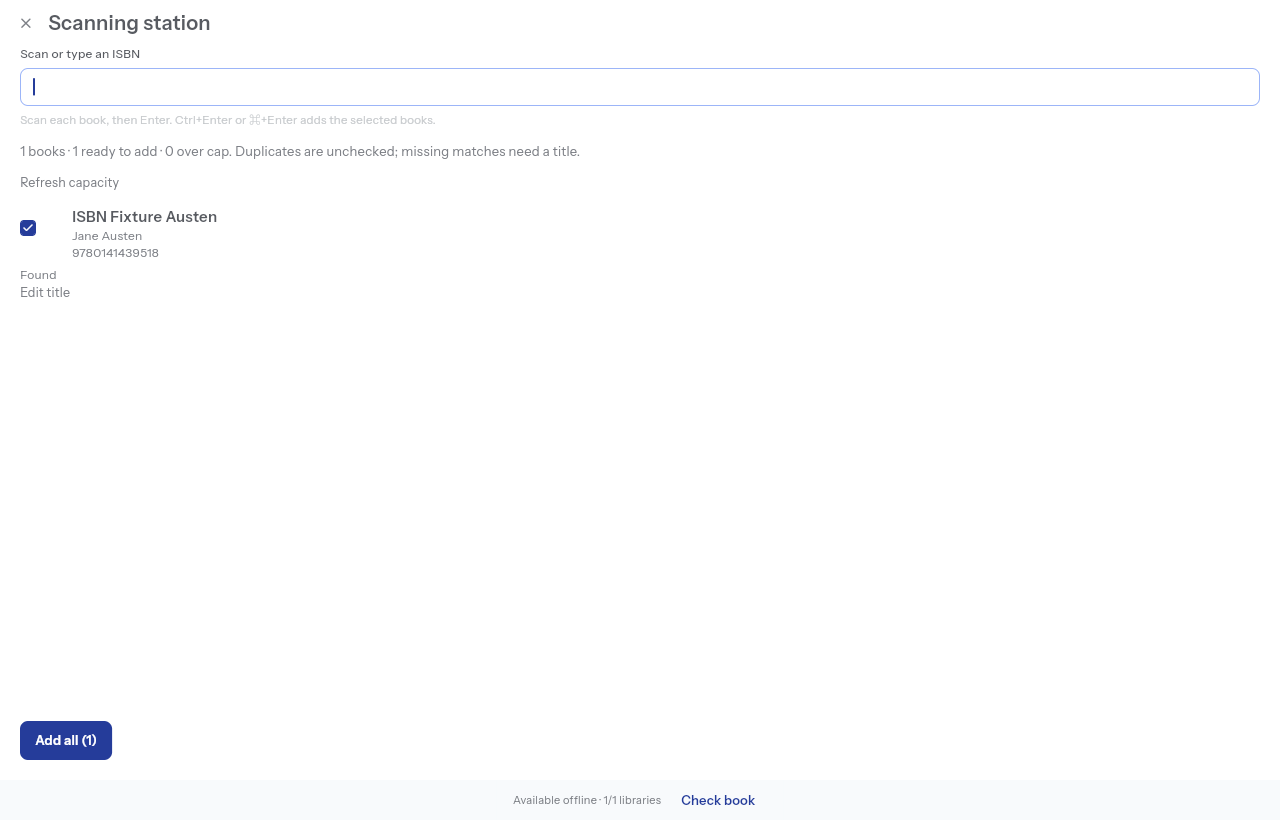
On a computer, choose Scanning station. A USB or Bluetooth scanner that types an ISBN followed by Enter works here; you can also type an ISBN yourself. Paste ISBNs accepts a list when you already have the numbers.
Check the result
Review the title, authors, edition and cover returned by lookup. A barcode identifies an edition, and a lookup may have missing or incorrect details. Edit them before saving. If no match is found, enter a title manually.
Batch review flags existing ISBNs and possible title matches. Repeated scans share one queue row. Include only the rows you intend to add, then choose Add all. A scan alone does not save a book.
Handle limits and interruptions
Rows that exceed the owner's remaining capacity stay waiting in the queue. Refresh capacity after making room. The queue lasts only while the station is open; leaving discards unsaved rows. Books already added remain saved.
Scanning and confirmation require a connection. If camera permission is blocked, enable it in device settings or use manual ISBN entry. Do not keep scanning while a failed save needs review.