Bring your first library
Import a Lektava export, review the counts, and find your books.
Start with the right file
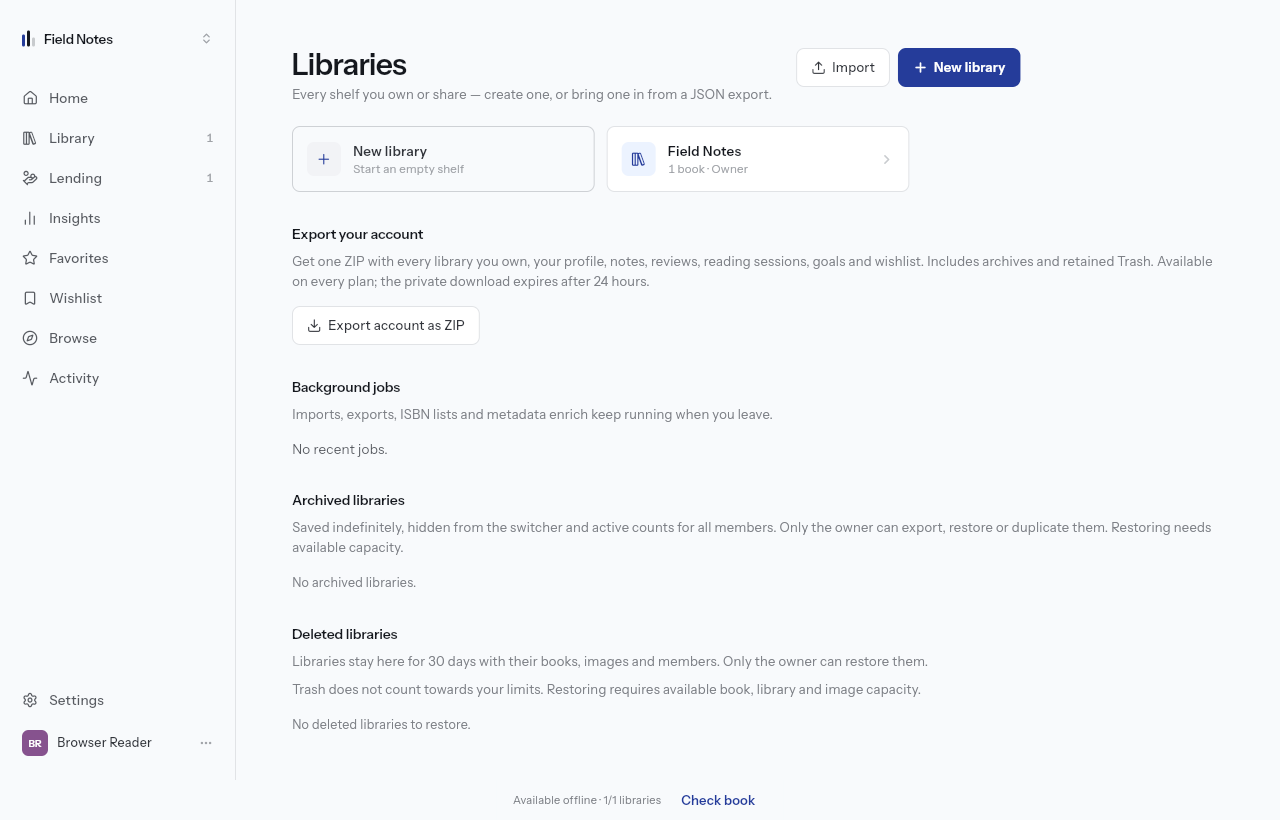
Import accepts a Lektava JSON library export. Keep your original file. A spreadsheet from another app is not a Lektava export; to add ISBNs instead, open Add book and use Paste ISBNs.
Open Manage libraries from More on a phone or from the sidebar on a larger screen. Choose Import and select the JSON file.
Review before confirming
The preview describes the library and its contents before anything is imported. Check the counts, then choose Import library. The import runs as a background job; follow its progress in Background jobs before trying again.
If some books are waiting
Free reads the whole file and saves only the books that fit the owner's remaining allowance. Book capacity is shared across all libraries you own. The waiting notice is a count, not a stored copy of the omitted books.
After making room or changing plan, import the original file again to bring in the omitted books. Dismissing the notice does not import them. You can always export the books already saved.