Lend a book and record its return
Keep a borrower, due date and return against the right copy.
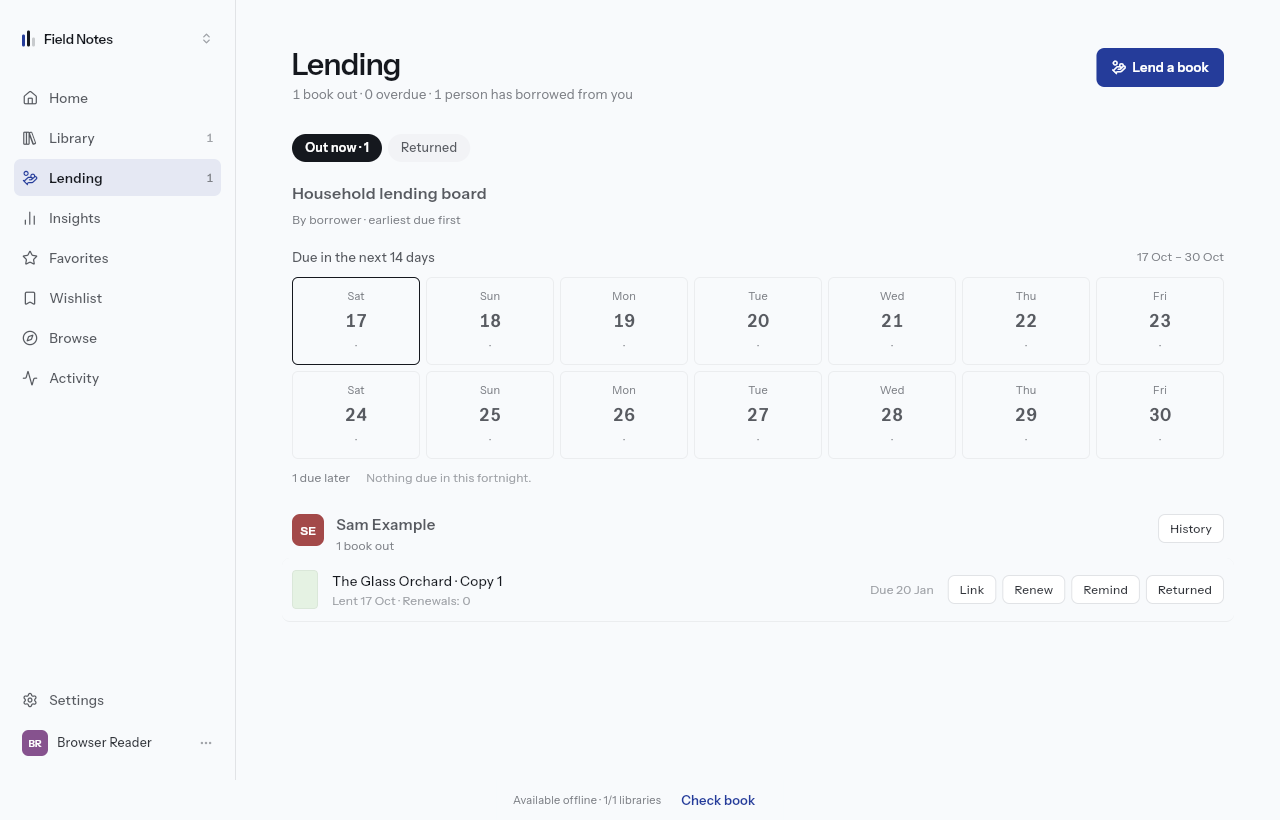
Record the handover
Open a book and choose Lend. Select the copy if the title has more than one, enter or choose the borrower, check the due date, then confirm Lend book. You need permission to manage lending in this library.
A borrower can be a name in your records; they do not need to join your household or buy a plan. Check who receives a reminder before using any email action.
Find and return the loan
Open Lending to see active loans and due dates. When the book comes back, use its Returned action and confirm the return. Returned history remains available. Renew extends a loan according to the library's loan policy.
If lending is blocked
Free allows three active loans; paid plans allow unlimited active loans. The library owner's plan decides, including when a member records the loan. Returning an active loan frees a slot.
Free reminders appear in the app. Paid plans also support email reminders, subject to notification preferences. A public borrowing request is a separate workflow and does not itself mean a book has been handed over.